
Structure Cabling System Series
By: Jerome Auza
In the next several weeks, I will discuss about structured cabling practices and components for computer networks. I am frequently asked about computer networks and what’s the best approach to implementing a reliable and flexible computer network.
One of the questions I’m often asked is “Is it still necessary to use a wired network for my company with WiFi technology available?” My answer is yes, especially if there are many users and you need to share a printer on the network. As the number of users connected to an access point increase, the efficiency of the wireless network connection decrease. Also WiFi is very susceptible to interference and unencrypted connections are vulnerable to eavesdropping.
There are two major components in a computer network: the passive component and the active component. The passive component of the network include the cables, patch panels, jacks, patch cords, cable managers, cabinets and all other materials used in the physical installation of the network. The active components are the switches, routers and other network devices.
I have seen a lot of “spaghetti” network implementations where the wires just go anywhere and over time, the computer network looks a lot like spaghetti. This is usually because a company may start with just one computer and then as they grow bigger, more computers and devices are added but the network doesn’t get upgraded.
In implementing a computer network, part of the physical network should stay fixed on the building structure. To connect to the network, the user will need a patch cord to connect the computer to the data outlet jack. The patch cord is the movable part of the network and gives you the flexibility of changing the position of the computer at a later time without modifying the fixed part of the network.
The correct setup would be as follows:
1. The computer is connected to the data outlet jack via a patch cord
2. The opposite end of the data outlet jack is the patch panel. In other words, the network cable connects the jack to the patch panel
3. From the patch panel, another patch cord connects the port on the patch panel to the router or switch.
The data outlet up to the patch panel is the fixed part of the network. When done properly, the fixed part of the network should be reliable over many years. The patch cords allow the network administrator to be flexible in connecting various devices which could change over time. The result is a flexible and reliable network that could last for many years.
Aside from proper cabling practices, the quality of the components used is very important also. Unfortunately, there are many network cables, patch cords and other components that are not really of standard quality. Sometimes, even fake materials can be sold in stores so it is important to purchase materials from an authorized supplier.
For small networks, the Cat5e standard for network materials is usually sufficient and would be the most cost effective. For applications needing gigabit speeds, Cat6 network materials would be appropriate but it can be more than double the cost of Cat5e materials.
Next week, we shall look in detail at the network cable and patch cords and discuss the important points in purchasing and installing these cables.
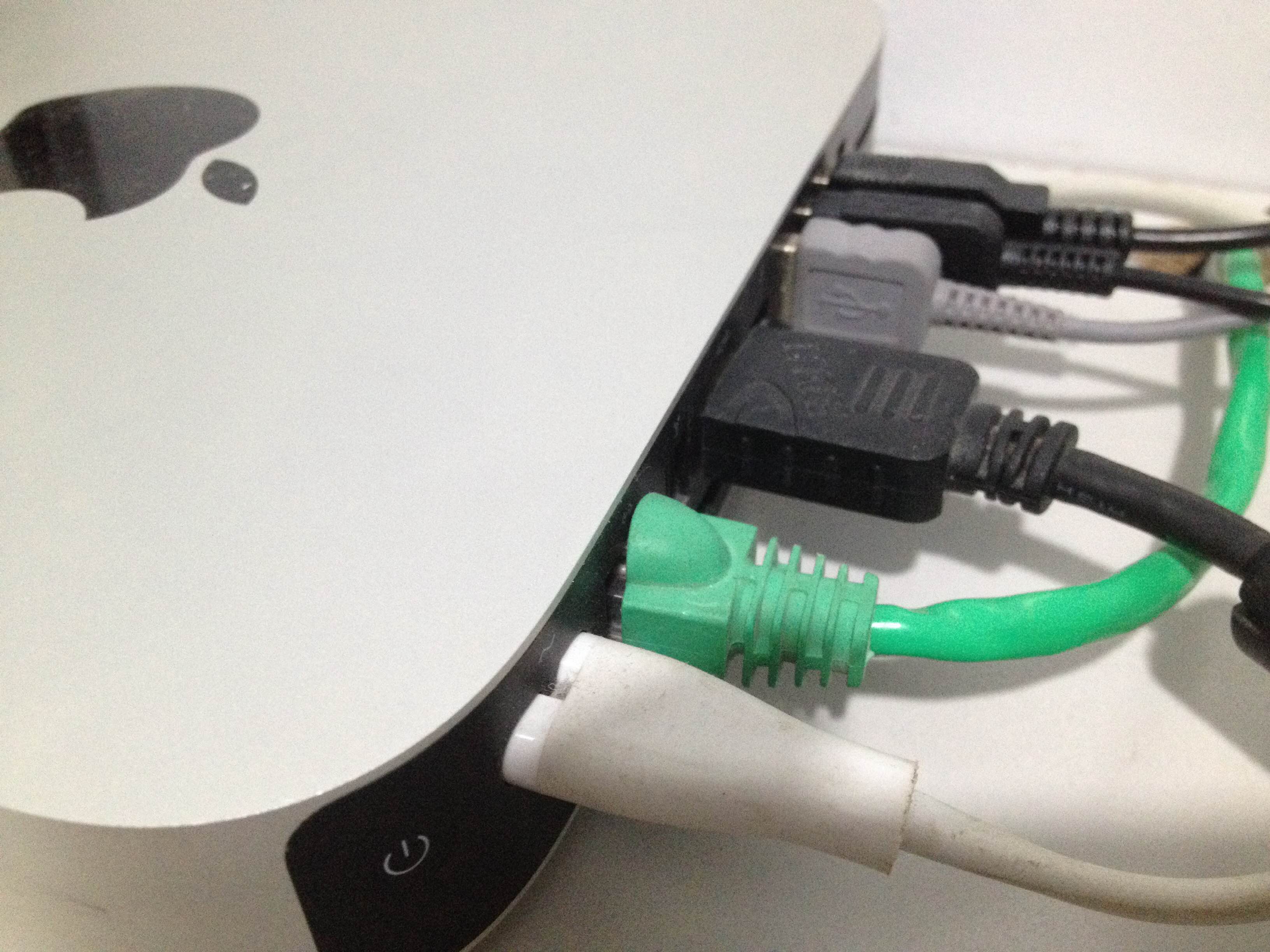
Patch cord connected to the computer (2nd cable from the front)
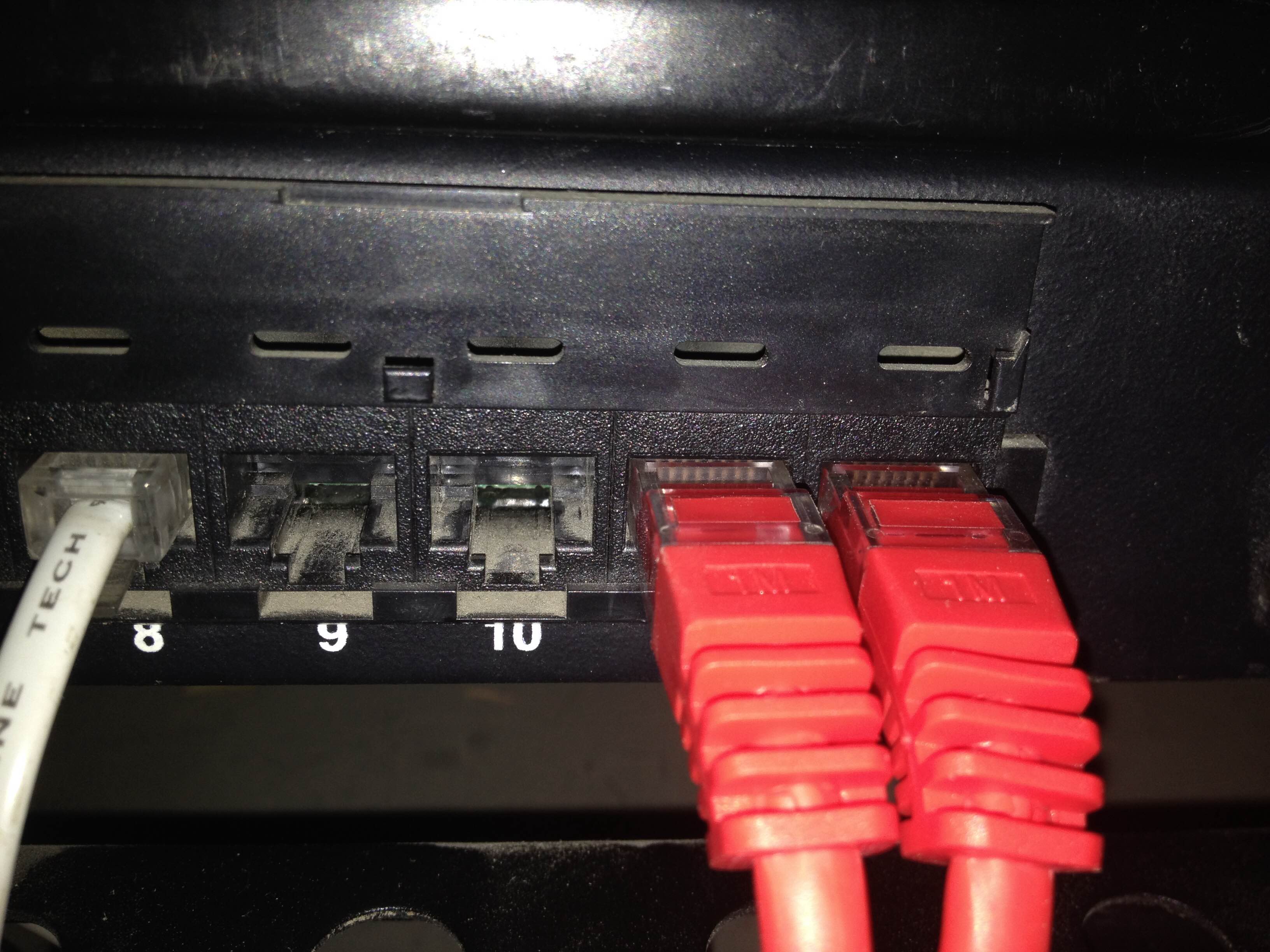
Patch cords connected at the patch panels.
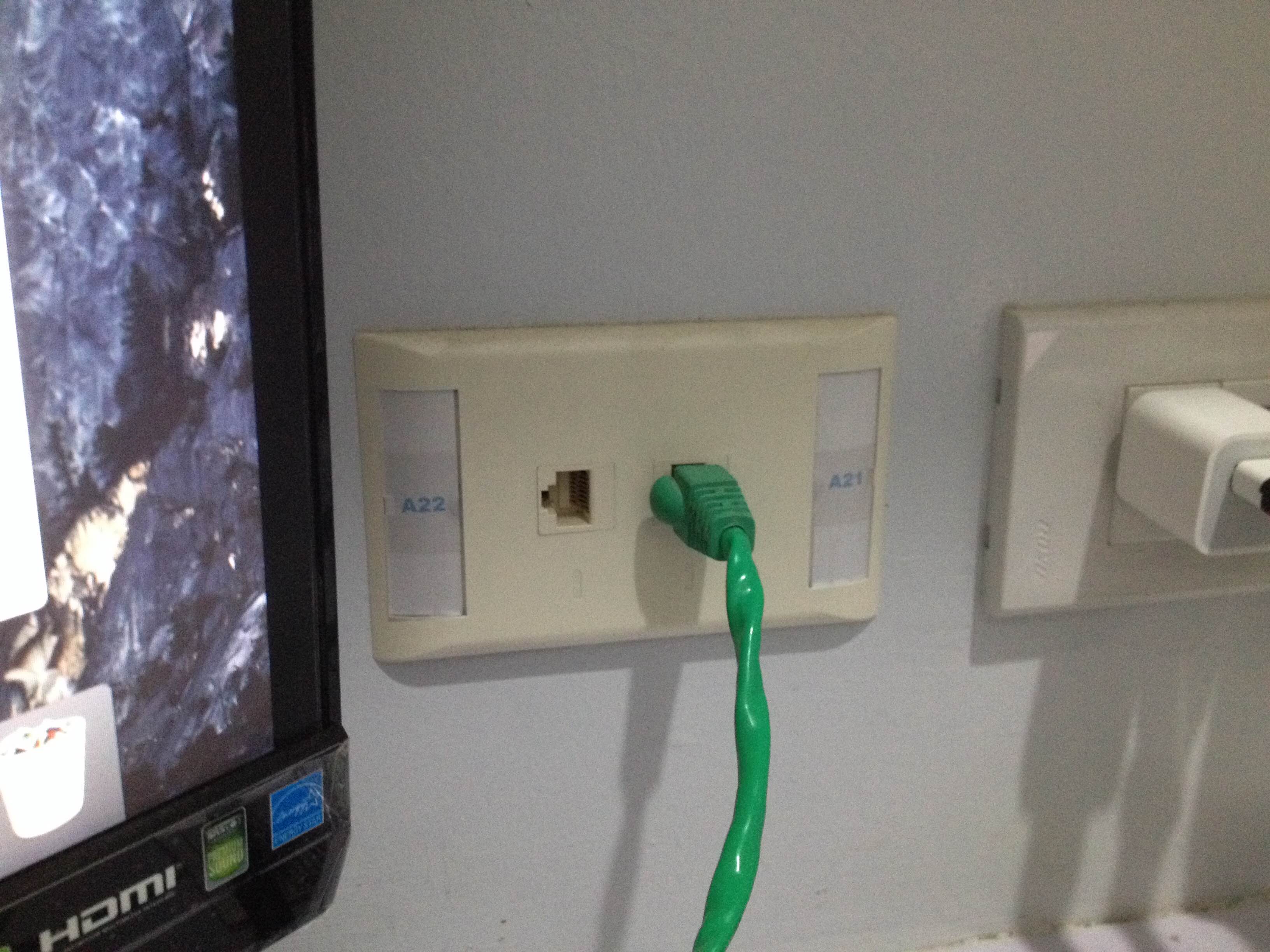
Patch cord connected to a data outlet jack.
